
 Index
Index Photoshop
 Dreamweaver
 Illustrator
 Flash
Flash HTML and CSS
 PHP and MYSQL
 Wordpress
 Blogs & Articles
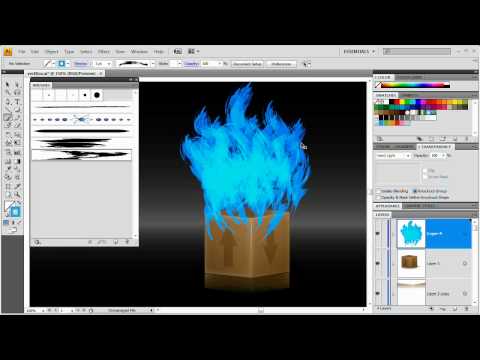
How to make Vector Fire and Flames in Illustrator CS4
Posted by nizno | Posted in Illustrator, Tutorials | Posted on 26-03-2010
These flames are inspired by a little comment at the end of the web box icon video tutorial also created in Illustrator and fittingly we are going to create these flames coming out of that box! The sweet thing about this effect is it is really different each time and depending on the intensity of your strokes you get varied results which means you can use this in tons of different projects!

Related posts:
 on
on  on
on  on
on  on
on  on
on
Nice Effect to try out!
another good quality tutorial by tutvid.com, enjoy!