
 Index
Index Photoshop
 Dreamweaver
 Illustrator
 Flash
Flash HTML and CSS
 PHP and MYSQL
 Wordpress
 Blogs & Articles
Styling a Simple Form with CSS in Dreamweaver
Posted by admin | Posted in Dreamweaver, HTML & CSS, Tutorials | Posted on 12-05-2010
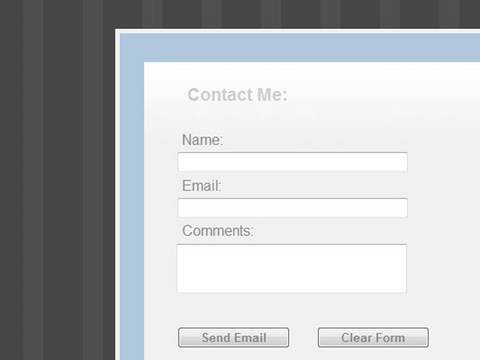
Tutvid: We will go ahead and create a form and then style it using CSS. Learn how to hand code a simple form and then hand code all of the CSS code you need to create a nice little form. The beauty of this tutorial is that you can do all of the coding in Dreamweaver or any HTML editing software, if you can type words and export an HTML file you will be able to follow this tutorial!

Related posts:
 on
on  on
on  on
on  on
on  on
on