
 Index
Index Photoshop
 Dreamweaver
 Illustrator
 Flash
Flash HTML and CSS
 PHP and MYSQL
 Wordpress
 Blogs & Articles
3D Spiral Light Beams Tutorial
Posted by admin | Posted in Photoshop, Tutorials | Posted on 19-01-2010
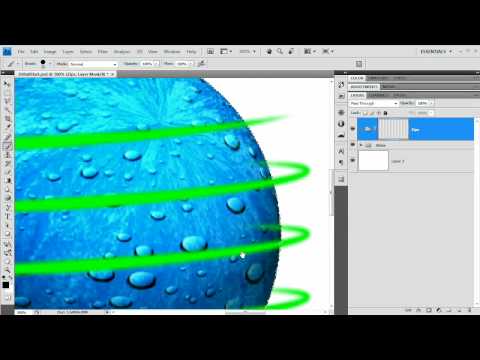
In this tutorial I start with a simple 3D object created in Photoshop and to really show off the 3D nature of this object we will “wrap” it with light, specifically these light zips, or bands. A pretty cool effect and really as soon as you create the path(s) you can tweak and create whatever kind of effect you want.

Related posts:
 on
on  on
on  on
on  on
on  on
on
3:23 – 3:30 You have a dialogue box, I don’t. Mine just comes up as different brushes I can choose. I still have the side panel where I can select Shape Dynamics though